
Ergonomics for Eye Health: Setting Up Your Workspace to Minimize Strain
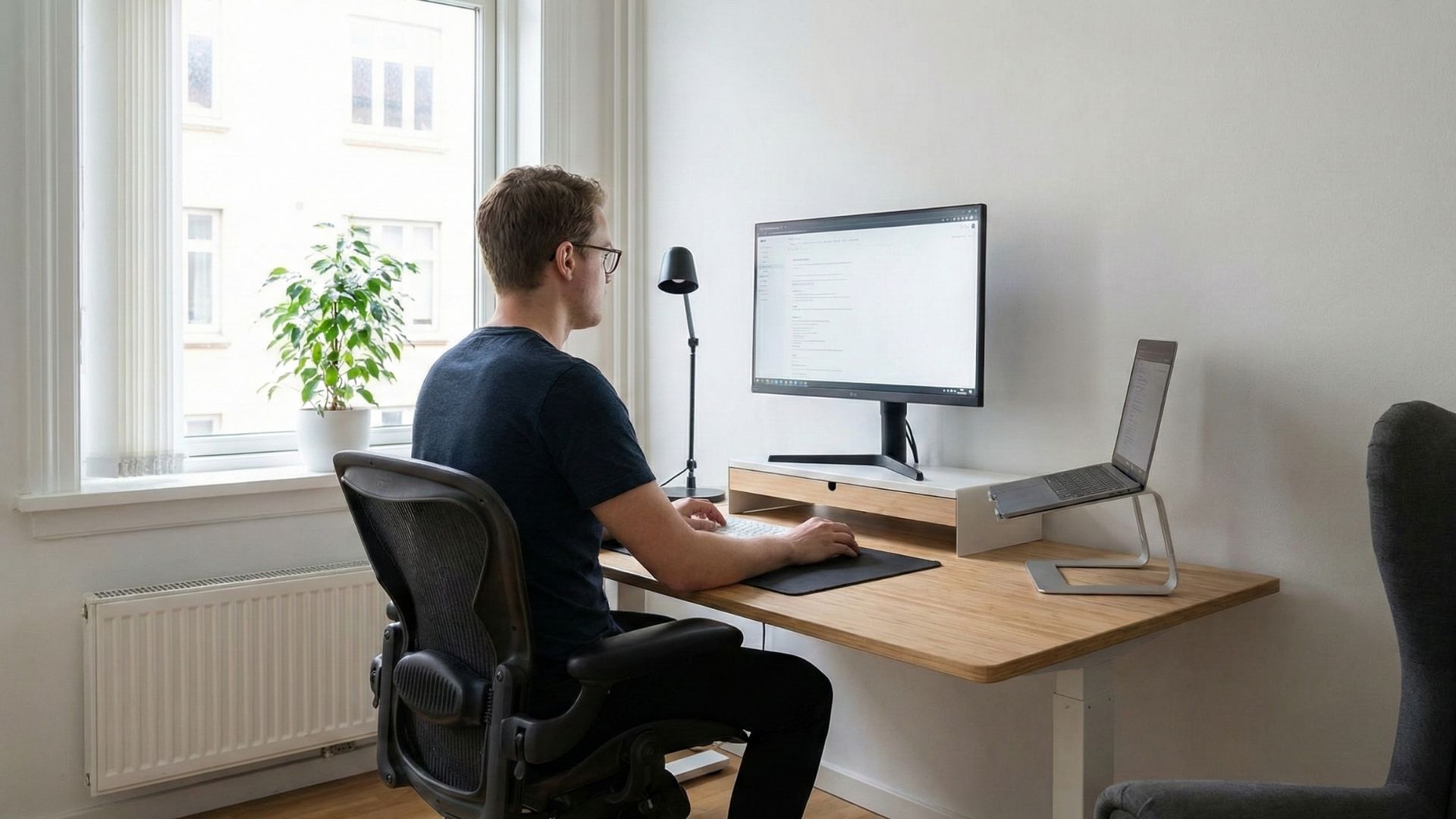
As many of us spend increasing hours in front of screens, digital eye strain has become a common concern for our patients. Whether you are working from a home office or a corporate desk, the way you arrange your environment impacts your vision. We believe that small, intentional adjustments to your workspace can lead to significant improvements in your daily comfort and long-term eye health.
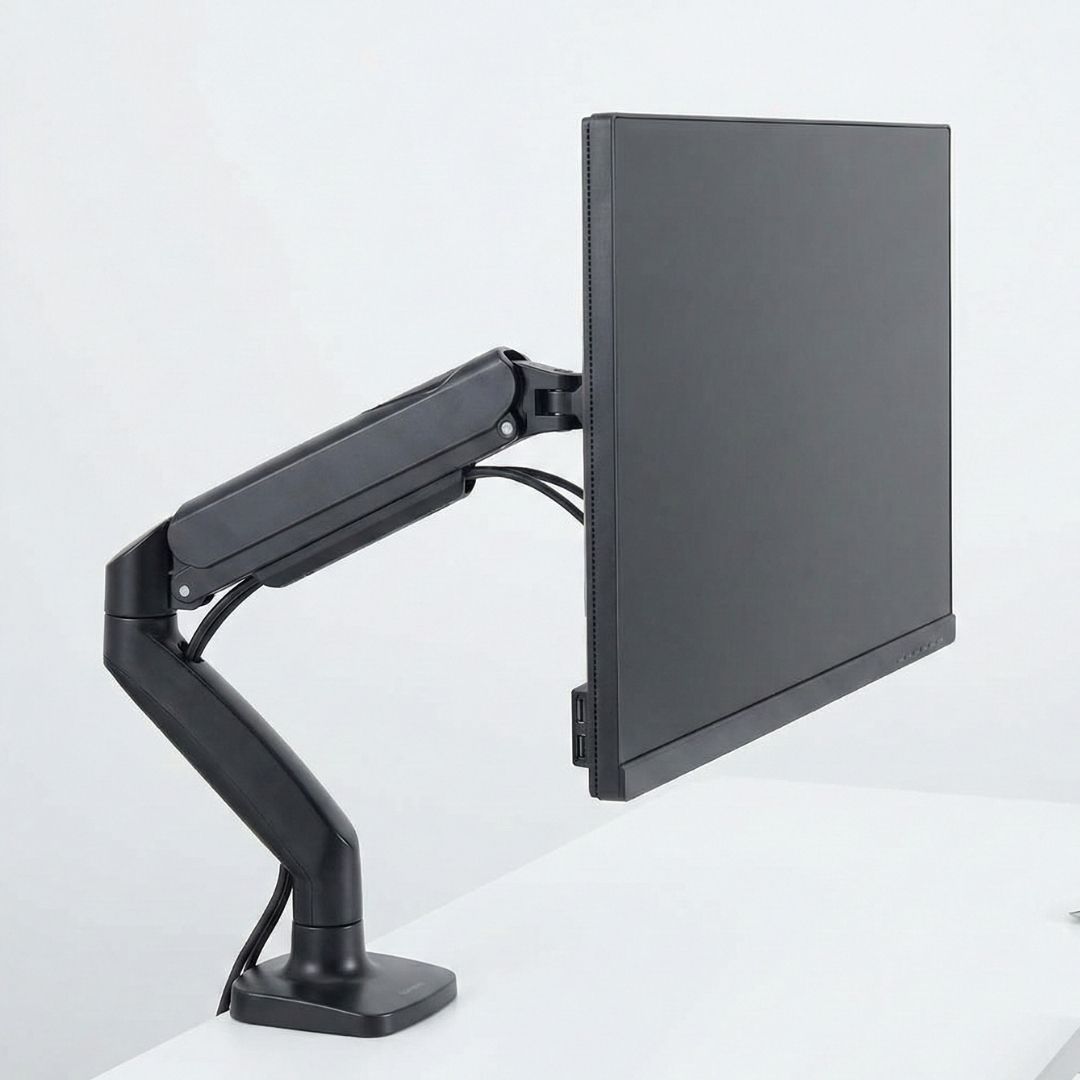
Positioning Your Monitor Correctly
One of the most effective changes you can make is adjusting your monitor’s placement. We recommend keeping the screen at arm’s length, approximately 20 to 28 inches from your eyes. The top of the screen should be at or slightly below eye level, ensuring you look slightly downward, which helps your eyelids cover more of your eye and reduces dryness.
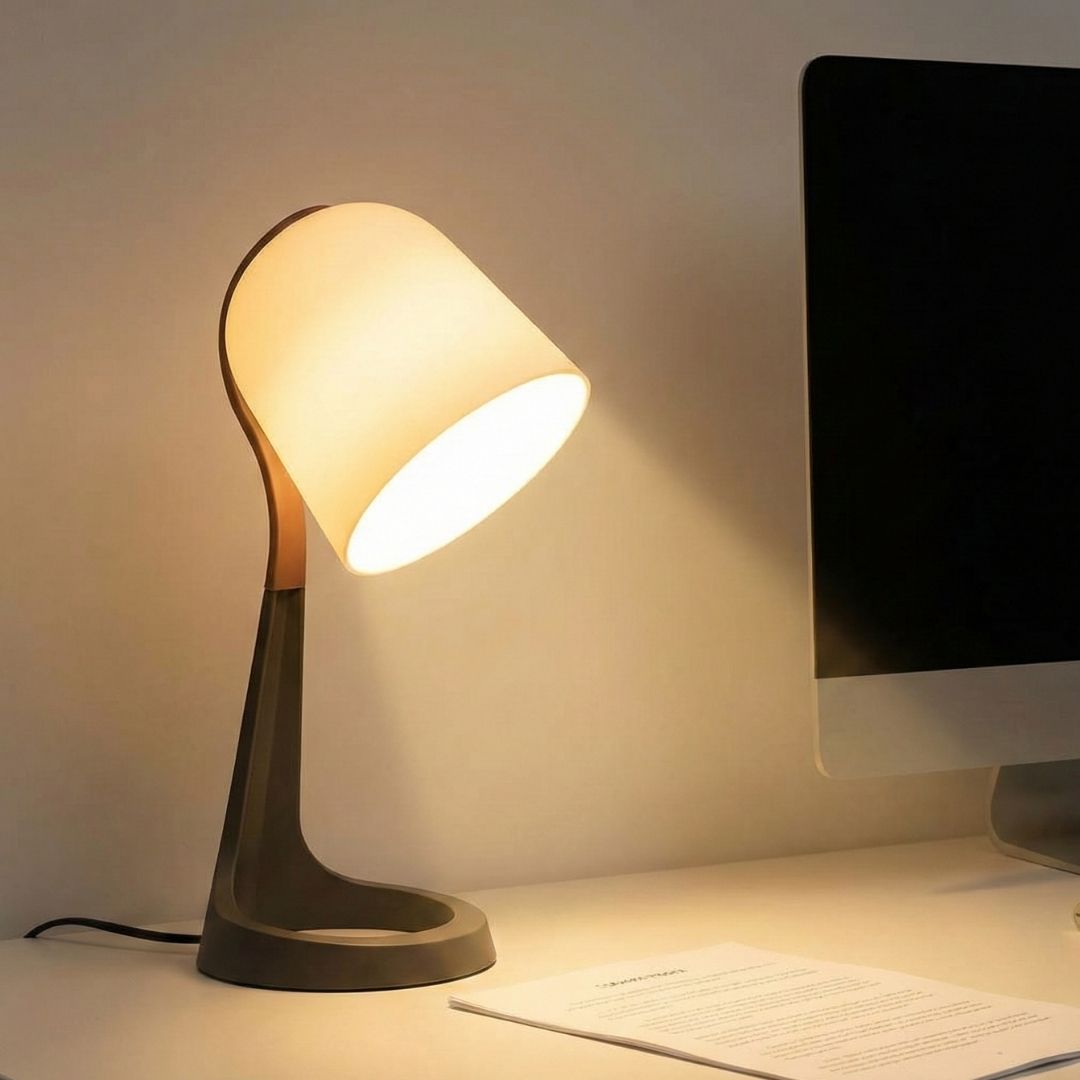
Optimizing Lighting to Reduce Glare
Poor lighting is a frequent culprit behind unnecessary eye fatigue and headaches. To combat this, we advise positioning your computer screen away from direct sunlight or bright windows that create harsh reflections. Soft, ambient lighting is best; if you must use a desk lamp, ensure it shines on your paperwork rather than the screen to minimize distracting glare.

Implementing the 20-20-20 Rule
Even with a perfect physical setup, your eyes need regular breaks to reset their focus. We encourage practicing the 20-20-20 rule throughout your workday: every 20 minutes, take a 20-second break and look at something 20 feet away. This simple habit relaxes the focusing muscle inside the eye, significantly lowering the risk of developing digital eye strain symptoms.
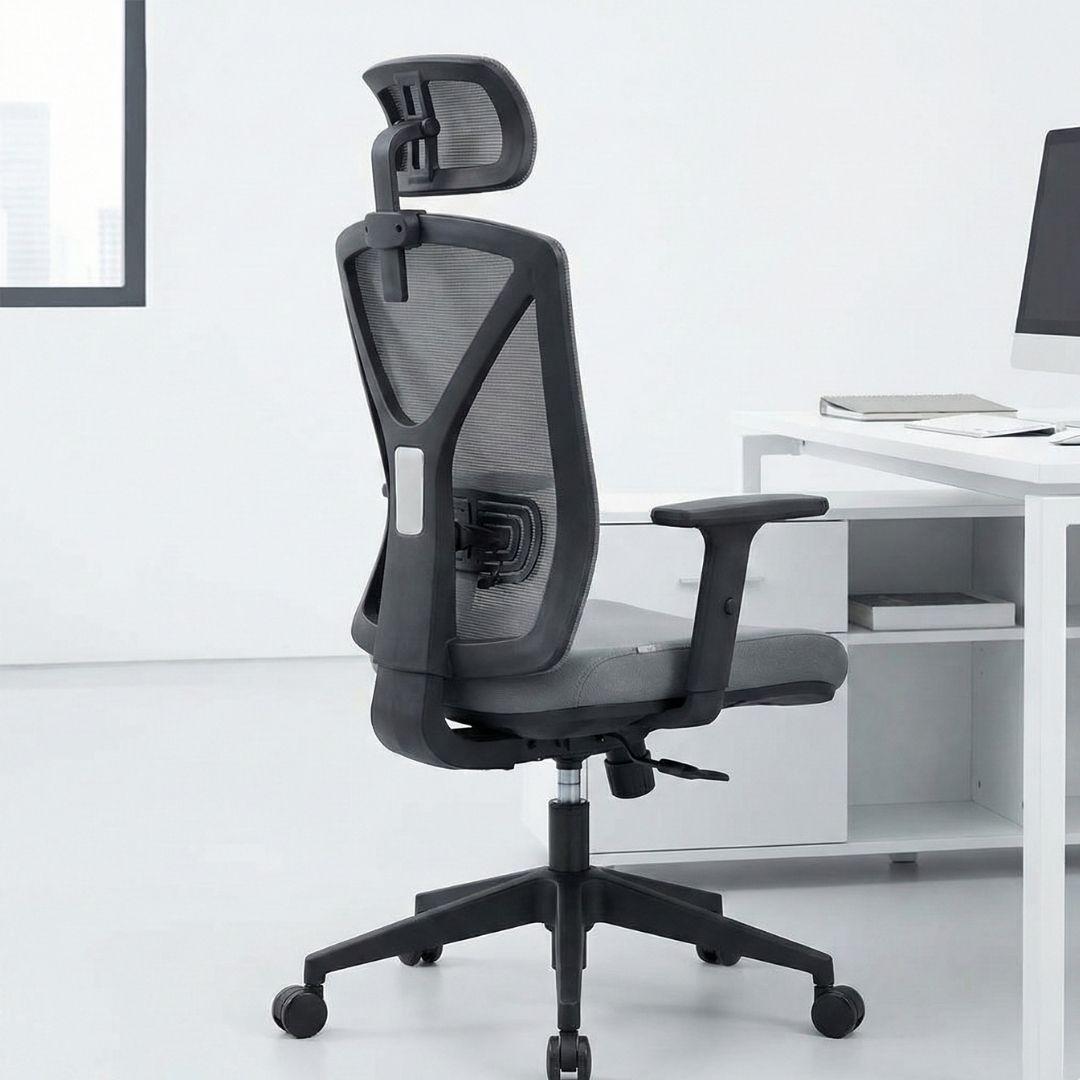
Aligning Your Seating for Comfort
Your chair plays a surprising role in how your eyes function during the day. When your feet are flat on the floor and your back is supported, you naturally maintain a better distance from your screen. Proper posture prevents you from leaning in too closely, which taxes your visual system. A well-adjusted chair supports both your spine and your sight.
By optimizing your monitor height, managing lighting, taking purposeful breaks, and maintaining posture, you can create a workspace that supports your visual wellness. However, if you continue to experience discomfort or blurriness, it may be time for a professional assessment at Crescent Eye Care. As your dedicated Charleston optometrist, we are here to ensure your prescription is up to date and your eyes are healthy. Whether you need a comprehensive contact eye exam or advice on computer glasses, we invite you to schedule a visit with our eye care center today.